Showcase
Share the work. Get the sign-off.
Every page, deck, document, image and video your team and Chief make lands in Showcase. Send one link, and the people who sign off comment right on the work.
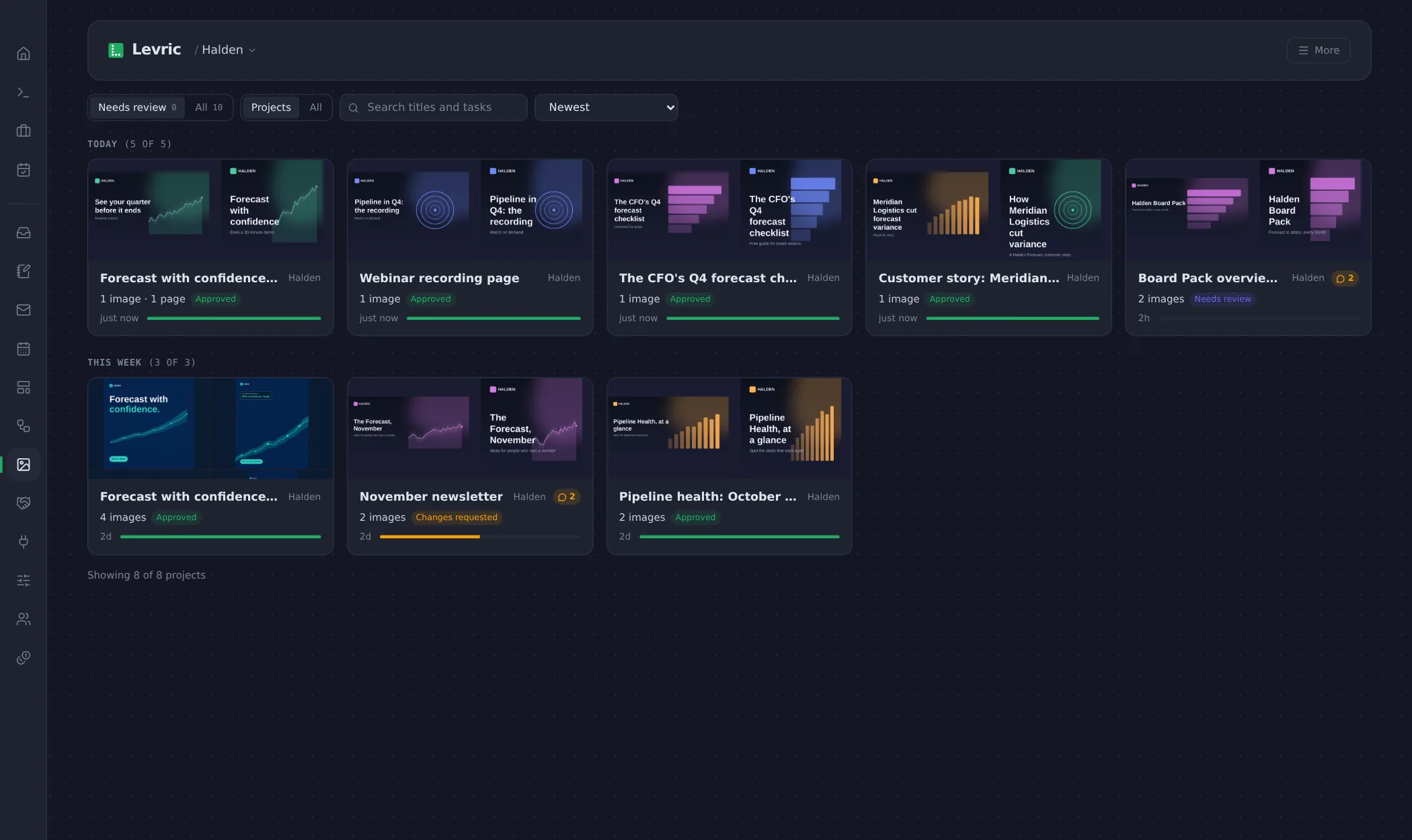
Chief does the work. You see all of it.
Everything made for the Forecast launch
Pages, images, video, decks and documents, in one project.
Forecast with confidence
Page · Version 3
LinkedIn ads, four sizes
Images · 4 images
Webinar highlights
Video · 45 seconds
Board Pack overview
Deck · 12 slides
The CFO’s Q4 forecast checklist
Document · 6 pages
Customer story: Meridian
Page · Version 2
01
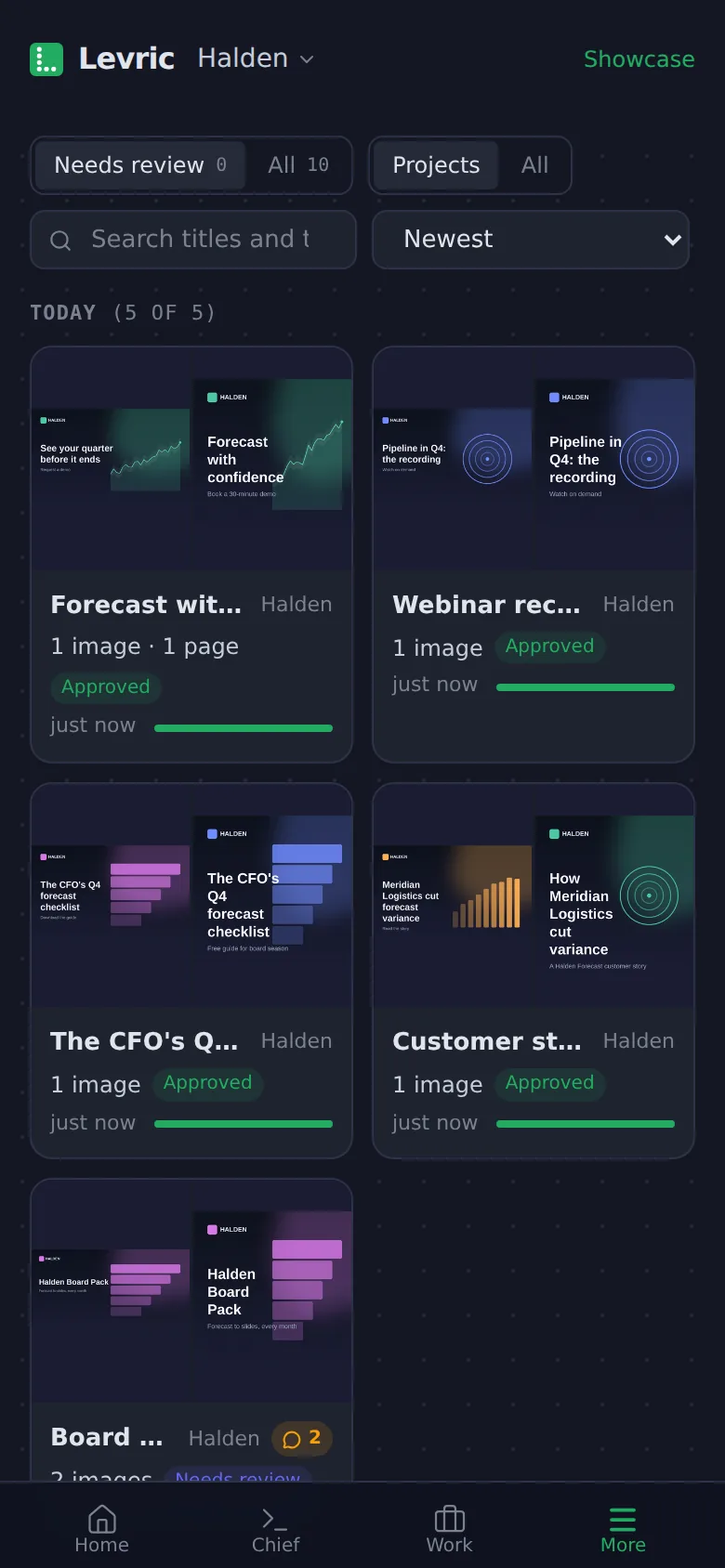
Everything your team makes, in one gallery.
Landing pages, decks, documents, images and video, grouped by project, each with its approval state. Last month’s ad or this morning’s deck is a search away, not buried in a chat or a drive.
- Chief
- Files every piece it makes under the right project.
- You
- See what needs review first, or search any title.
Share the Forecast launch board
One link for the board, or one per piece.
Anyone with the link can view and comment
Reviewers add their name, no account needed. Turn it off and the link stops working.
Who has looked so far
Mark Tan · CFO
Approved the page · 10:42
Lena Hoffmann · Legal
Asked for a source on 120+ · 11:15
Daniel Ong · Sales
Pinned a note on the form · 13:58
02
One link for everyone who signs off.
Share one piece or the whole board. Your CFO, your legal team or a partner opens it in the browser, adds a name and starts commenting. No account, no attachments, no reply-all.
- Chief
- Keeps every note and verdict with the work it is about.
- You
- Choose what to share, and turn the link off when you are done.
forecast-with-confidence · Version 3
Notes pinned where each reviewer meant them.
Halden
Forecast with confidence.
131%
less variance
4 days
faster pack
120+
finance teams
1Mark Tanon Headline
ApprovedClear and short. Approved from me.
2Lena Hoffmannon Stats
Changes askedAdd where the 120+ comes from before this goes live.
3Daniel Ongon Form
Can the form ask for their role?
Chief Done. Added a Role field under Company. Version 3 is up.
03
Notes pinned to the exact spot.
Reviewers pin a note on the headline, the image or the slide they mean, and each one approves or asks for changes by name. The notes reach the job, Chief and your team the moment they are left.
- Chief
- Reads every note and makes the change in a new version.
- You
- See who approved what, reply, and resolve threads as you go.
Compare versions of this page
Version 2 and version 3, side by side.
Version 2 · 11:05
Forecast with confidence.
Version 3 · 14:02
Forecast with confidence.
04
Every version kept.
Each round is saved, so you can put the version your CFO saw next to the one going live and see exactly what changed, and why.
- Chief
- Saves a new version with every change, with the note that asked for it.
- You
- Compare any two versions of a page side by side.
Showcase, answered.
Do reviewers need a Levric account?
What can they comment on?
Can we stop a link working?
Where does the feedback go?
What kinds of work does Showcase hold?
See it on your own work.
30 minutes with a Levric person, on your real campaign. No slides.
Free for 12 weeks for alpha teams, from January 2027